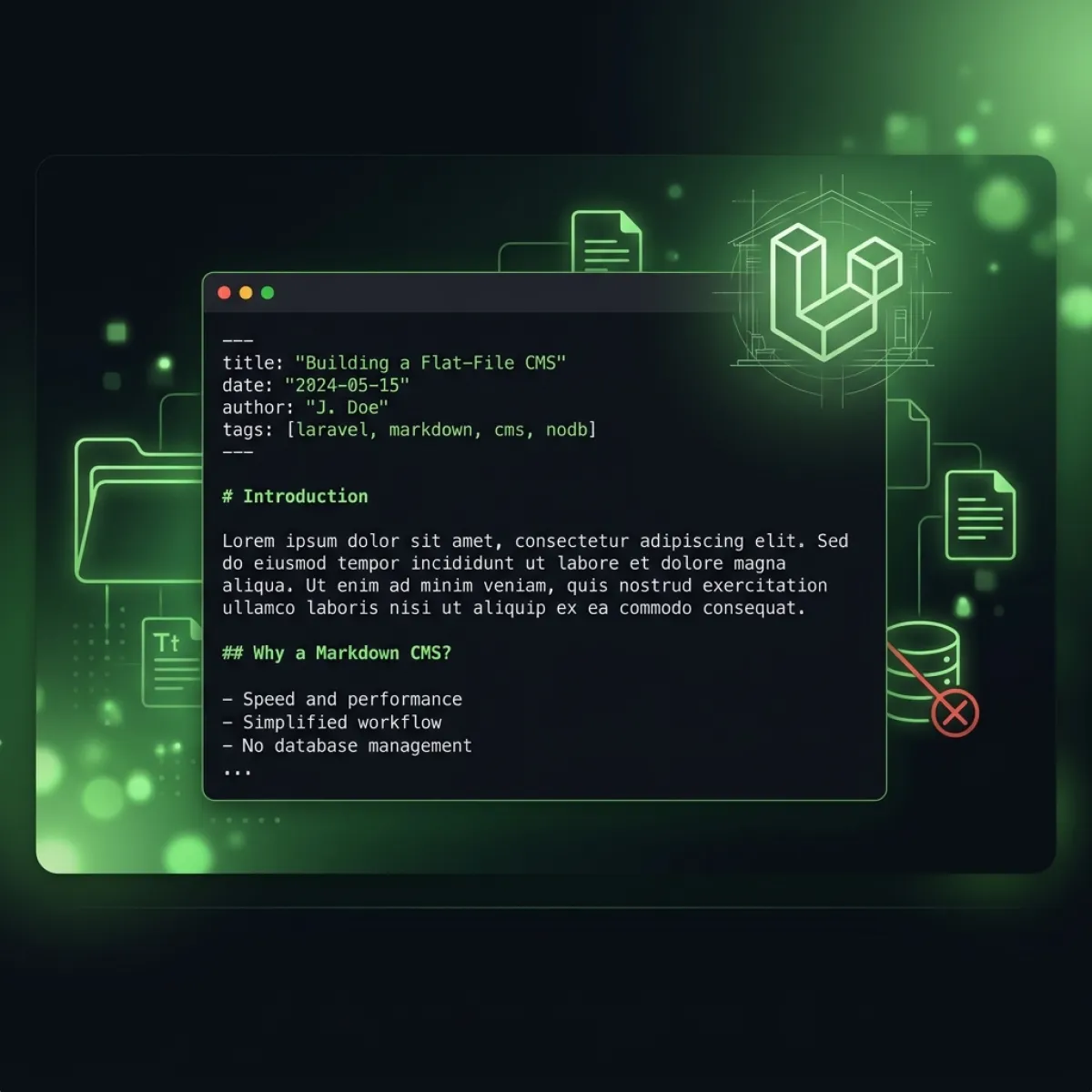
My goal was simple: Build a blazing-fast, easily maintainable personal site using the latest version of Laravel without turning it into a database-backed monolith or settling for a static site generator that strips away dynamic server-side capabilities.
This is the complete technical walkthrough of how it works.
Why I Rejected a Database for Content
The first question any Laravel developer asks when building a content site is: what's the database schema? I asked it too — and after sketching out the tables, I stopped and asked a different question: do I actually need one?
For a content site, the write path is almost never the bottleneck. I publish a few posts a week at most. The read path is everything. And for reads, a flat-file system with aggressive caching is hard to beat:
- No schema migrations on deploy.
git pushand Deployer handles everything. - Content is version-controlled for free. Every edit has a full diff in
git log. - Zero database credentials in production config. One less attack vector.
- Local development is instant. Clone the repo and go — no
php artisan migrate --seed. - Hosting flexibility. The site runs on any PHP host without a managed database add-on.
The trade-off is query flexibility — but when your content structure maps directly to directories, you don't need WHERE category = 'laravel' ORDER BY date DESC. You just read the blog/ directory and filter a Collection.
The Architecture: Flat Files + ContentService + Cache
The system has three layers:
resources/content/           ← Source of truth (Markdown files)
       ↓
ContentService               ← Parses, validates, transforms
       ↓
Laravel File Cache (1h TTL)  ← Serves all requests
Every content file is a .md file with YAML frontmatter:
---

title: 'Post Title'
slug: my-post-slug
category: 'Laravel'
tags:
  - laravel
  - php
status: published
published_at: '2026-01-15 09:00:00'
author: 'Michael K. Laweh'
read_time: 8 min read

---

# Markdown content starts here
The frontmatter is parsed by spatie/yaml-front-matter and the body is rendered by league/commonmark with the GitHub-Flavoured Markdown extension, giving me fenced code blocks, tables, task lists, and strikethrough out of the box.
ContentService — The Core Engine
ContentService is a singleton registered in AppServiceProvider that handles all content loading:
<?php

declare(strict_types=1);

namespace App\Services;

use Illuminate\Support\Collection;
use Illuminate\Support\Facades\Cache;
use League\CommonMark\CommonMarkConverter;
use Spatie\YamlFrontMatter\YamlFrontMatter;

class ContentService implements ContentServiceInterface
{
    public function __construct(
        private readonly string $contentPath,
        private readonly CommonMarkConverter $converter,
        private readonly int $cacheTtl = 3600
    ) {}

    public function get(string $path): array
    {
        $cacheKey = 'content.' . str_replace('/', '.', $path);

        return Cache::lock($cacheKey . '.lock', 5)
            ->block(2, function () use ($cacheKey, $path) {
                return Cache::remember($cacheKey, $this->cacheTtl, function () use ($path) {
                    return $this->parse($path);
                });
            });
    }

    public function all(string $directory): Collection
    {
        $cacheKey = 'content.dir.' . str_replace('/', '.', $directory);

        return Cache::remember($cacheKey, $this->cacheTtl, function () use ($directory) {
            $path = $this->contentPath . '/' . $directory;

            return collect(glob($path . '/*.md'))
                ->map(fn (string $file) => $this->parse(
                    $directory . '/' . basename($file, '.md')
                ))
                ->filter(fn (array $item) => ($item['status'] ?? '') === 'published')
                ->sortByDesc('published_at')
                ->values();
        });
    }

    private function parse(string $path): array
    {
        $fullPath = $this->contentPath . '/' . $path . '.md';

        abort_unless(file_exists($fullPath), 404);

        $document = YamlFrontMatter::parseFile($fullPath);

        return array_merge($document->matter(), [
            'content' => $this->converter->convert($document->body())->getContent(),
        ]);
    }
}
The Atomic Lock Pattern
The Cache::lock() call is critical. Without it, a sudden spike of traffic hitting an empty cache simultaneously would trigger a cache stampede — every request reads the file and writes the cache entry at the same time, multiplying the disk I/O and converting what should be a cache hit into a thundering herd.
Cache::lock($cacheKey . '.lock', 5)
    ->block(2, function () use ($cacheKey, $path) {
        return Cache::remember($cacheKey, $this->cacheTtl, function () use ($path) {
            return $this->parse($path);
        });
    });
With this pattern: the first request acquires the lock and populates the cache. Every subsequent concurrent request blocks for up to 2 seconds until the lock is released, then finds a warm cache entry. No stampede, no database — just one file read per cache cycle.
Routing & Controllers: Clean Separation
The routes are straightforward. Each content type maps to a controller:
// routes/web.php

Route::get('/blog', [BlogController::class, 'index'])->name('blog.index');
Route::get('/blog/{slug}', [BlogController::class, 'show'])->name('blog.show');
Route::get('/blog/category/{category}', [BlogController::class, 'category'])->name('blog.category');

Route::get('/portfolio', [ProjectController::class, 'index'])->name('portfolio.index');
Route::get('/portfolio/{slug}', [ProjectController::class, 'show'])->name('portfolio.show');
Controllers stay thin, delegating entirely to ContentService:
public function show(string $slug, ContentServiceInterface $contentService): View
{
    $post = $contentService->get("blog/{$slug}");

    $relatedPosts = $contentService->all('blog')
        ->where('category', $post['category'])
        ->where('slug', '!=', $slug)
        ->take(3);

    return view('blog.show', compact('post', 'relatedPosts'));
}
Feeds, Sitemap & Discovery
This is where the zero-database approach shows its elegance. Because ContentService::all() returns a sorted Collection, generating an RSS feed or sitemap is just a collection transform — no ORM, no query builder, no N+1 paranoia.
RSS / Atom / JSON Feeds
// FeedController::rss()
$posts = $this->contentService->all('blog')->take(20);

return response(
    view('feeds.rss', compact('posts'))->render(),
    200,
    ['Content-Type' => 'application/rss+xml; charset=UTF-8']
);
Three feed formats are available at /feed/posts (Atom), /feed/posts/rss (RSS 2.0), and /feed/posts/json (JSON Feed 1.1). Auto-discovery <link> tags in <head> allow feed readers and browsers to find them without configuration.
XML Sitemap
The sitemap dynamically includes all published blog posts, portfolio items, and service pages — always in sync with the content directory, no separate sitemap_entries table needed:
// SitemapController::index()
$posts     = $this->contentService->all('blog');
$projects  = $this->contentService->all('portfolio');
$services  = $this->contentService->all('services');

return response(
    view('sitemap.index', compact('posts', 'projects', 'services'))->render(),
    200,
    ['Content-Type' => 'application/xml']
);
OpenSearch
An /opensearch.xml descriptor allows users to add klytron.com as a search engine in their browser, enabling direct site search from the address bar.
SEO: Schema.org & Open Graph
SeoService generates structured data on every page request, with page-type-specific schemas injected as JSON-LD:
// For a blog post
{
    "@context": "https://schema.org",
    "@type": "Article",
    "headline": "Post Title",
    "author": { "@type": "Person", "name": "Michael K. Laweh" },
    "datePublished": "2026-01-15",
    "image": "https://klytron.com/assets/images/blog/hero.png"
}
Dynamic OG images are generated via OgImageController using PHP's GD library — branded background, post title, site domain — all server-rendered as PNG. No third-party image service, no API key, no recurring cost.
Deployment: Zero-Downtime Atomic Releases
Content updates and code changes deploy the same way — git push:
# My deploy command (via php-deployment-kit)
dep deploy production

# What Deployer does:
# 1. Clone latest commit into releases/YYYYMMDDHHII/
# 2. composer install --no-dev --optimize-autoloader
# 3. npm run build (Vite)
# 4. php artisan config:cache
# 5. php artisan route:cache
# 6. php artisan view:cache
# 7. ln -sfn releases/YYYYMMDDHHII current  ← atomic swap
# 8. php artisan cache:clear
# 9. Clean up old releases (keep last 5)
Step 7 is the key: ln -sfn is an atomic operation at the kernel level. The Nginx symlink swap happens in a single syscall — there's no window where the server is pointing at a broken or partial build.
What I'd Do Differently
1. Build a content watching mechanism for local dev. Currently, editing a Markdown file in development requires manually clearing the cache. A simple inotifywait watcher or a Vite plugin to send a cache-clear signal would smooth this.
2. Add a lightweight CLI for content management. php artisan content:new blog "My Post Title" would be cleaner than manually copying frontmatter boilerplate each time.
3. Consider search with a flat index. The current search works by filtering cached collections in PHP — fine for the current volume. As content grows past a few hundred files, a pre-built Fuse.js JSON index or a lightweight MeiliSearch instance would be more scalable.
The Takeaway
A database is the right tool for a lot of problems. A personal portfolio isn't one of them.
The flat-file CMS approach gives content version control for free, eliminates the database migration burden on deploys, makes local development instant, and performs faster under caching than most database-backed CMSes — at the cost of query flexibility that you won't miss on a content-heavy but write-light site.
The ContentService described here is the exact code running this site. If you want to build something similar, the architecture is straightforward enough to port to any Laravel project in an afternoon. The key patterns — atomic locking, collection-based filtering, type-checked frontmatter — translate directly.
If you're curious about any layer in more depth — the feed generation, the schema.org implementation, or the Deployer pipeline — get in touch or follow along on the blog.